

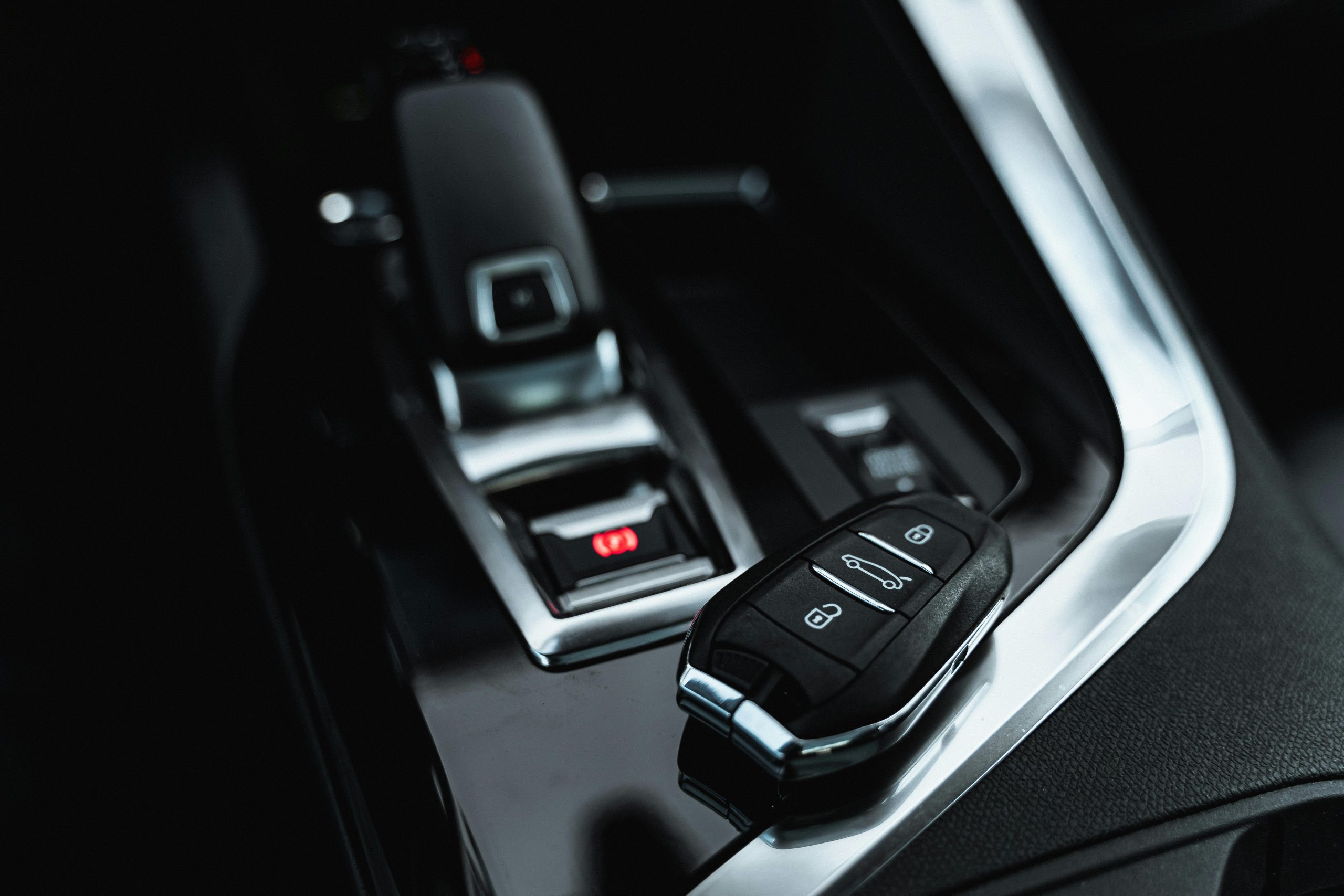
Does your Mazda seem unresponsive to your key fob from a distance? Do you have to press the unlock button multiple times for it to work? These are telltale signs of a dying battery in your key fob. Replacing the battery is a quick and easy process you can do in minutes, saving you time and a trip to the dealership. At John Kennedy Mazda in Conshohocken, we believe in empowering our customers with the knowledge they need to take care of their vehicles. Let’s look at how to replace a Mazda key fob battery quickly and easily.
Identifying Your Mazda Key Fob Model
Before you begin, identify your specific Mazda key fob model. Different models may have slightly different designs, which can affect how you open the fob and replace the battery. Most Mazda vehicles use either a CR2025 or CR2032 battery, but always check your owner’s manual or the existing battery for confirmation. Knowing your model can help you follow the steps for a successful battery change.
Necessary Tools and Materials
To change the battery in your Mazda key fob, you’ll need a few basic tools and materials. Here’s what you should gather:
- Flathead screwdriver: This will help you open the key fob without damaging it.
- Replacement battery: Make sure you have the correct Mazda key replacement battery, usually a CR2025 or CR2032, depending on your model.
- Tweezers: These can assist you in handling small components, especially the battery.
- Microfiber cloth: Use this to clean the fob while you have it open.
Having these items ready will make the process smoother and quicker.
Step-By-Step Guide to Changing the Mazda Key Fob Battery
Now that you have your tools let’s walk through the steps to change your Mazda key fob battery.
- Remove keychain: For easier handling, take off any keychain attached to your key fob.
- Open your Mazda key fob: Use the flathead screwdriver to gently pry open the fob along the seam. Be careful to avoid damaging the casing.
- Access the battery compartment: Once open, look for a small tab near the key end of the fob. Press this tab down while pulling on the opposite end of the fob to release it completely.
- Remove the old battery: Carefully lift out the old battery using your tweezers. Take note of its orientation for installing the new one.
- Insert the new battery: Place the new Mazda key battery in the same orientation as the old one. Ensure it fits snugly into its compartment.
- Reassemble the key fob: Align the two halves of the fob and press them together until they click into place. Double-check that it closed securely.
- Test the key fob: Press any button to ensure the fob is working correctly. If it operates smoothly, you’re all set.
By following these straightforward steps, you can efficiently change your Mazda fob battery.
Tips for Extending Battery Life in Your Mazda Key Fob
Once you’ve changed your battery, consider these tips to help extend its life:
- Avoid exposure to extreme temperatures: Keep your key fob in a temperate environment to prevent battery drain.
- Limit use of unnecessary functions: If your fob has features you rarely use, minimize their activation to save battery life.
- Regularly check battery status: Keep an eye on the battery’s performance and replace it before it dies completely.
- Store the fob away from other electronic devices: This helps prevent interference that can drain the battery.
Troubleshooting: After Changing Your Battery
After replacing the battery, you might encounter some issues. Here are some common troubleshooting tips:
- Check battery orientation: Ensure that you oriented the new battery correctly.
- Inspect for damage: Look for any cracks or damage in the casing that might affect functionality.
- Test all functions: Make sure all buttons work as intended; if not, recheck the connections inside the fob.
- Resetting your key fob: Sometimes, a reset may be necessary. Consult your owner’s manual for specific instructions related to your model.
If you’re unable to resolve these issues, don’t hesitate to reach out to our team at John Kennedy Mazda Conshohocken for assistance.
When To Seek Professional Assistance
While changing the battery in your Mazda key fob is a straightforward task, there are times when you should seek professional help. If you find that your key fob still doesn’t work after a battery change, or if you’re uncomfortable opening the Mazda key fob yourself, come to our dealership. Our experienced technicians can diagnose the problem and recommend the best solution.
Frequently Asked Questions
Changing the battery in your Mazda key fob can raise questions. Here are some common inquiries.
How Often Should I Change My Mazda Key Fob Battery?
You should change your Mazda key fob battery every one to two years, depending on usage.
Can I Use Any Battery for My Mazda Key Fob?
No, always use the recommended Mazda key replacement battery, usually a CR2025 or CR2032.
What if My Key Fob Doesn’t Work After a Battery Change?
If your key fob isn’t functioning, check the battery orientation.
Is There a Way To Prevent My Key Fob Battery From Dying Quickly?
Yes, avoid extreme temperatures and limit the use of unnecessary functions to help prolong battery life.
Where Can I Get a Replacement Battery for My Mazda Key Fob?
You can find replacement batteries at most automotive stores, online retailers, or even our dealership in Conshohocken if you need assistance selecting one.
Final Thoughts: The Importance of Maintaining Your Mazda Key Fob
Maintaining your Mazda key fob is essential for ensuring longevity and functionality. A well-maintained key fob not only enhances convenience but also adds peace of mind when accessing and securing your vehicle. By following our guide on how to change a Mazda key fob battery quickly and efficiently, you can avoid unnecessary dealership fees and keep your vehicle running smoothly.
Contact Us Today for Assistance
If you have any questions or need further assistance, don’t hesitate to contact us at John Kennedy Mazda Conshohocken. Our team can help you with everything from Mazda key fob battery replacement to getting you into a new car. Schedule service with us today, and let’s keep your Mazda running smoothly.
Connect with us


- July 2026
- June 2026
- April 2026
- March 2026
- February 2026
- January 2026
- December 2025
- November 2025
- October 2025
- September 2025
- August 2025
- July 2025
- June 2025
- May 2025
- April 2025
- March 2025
- February 2025
- January 2025
- December 2024
- November 2024
- October 2024
- September 2024
- August 2024
- May 2024
- April 2024
- March 2024
- February 2024
- January 2024
- December 2023
- November 2023